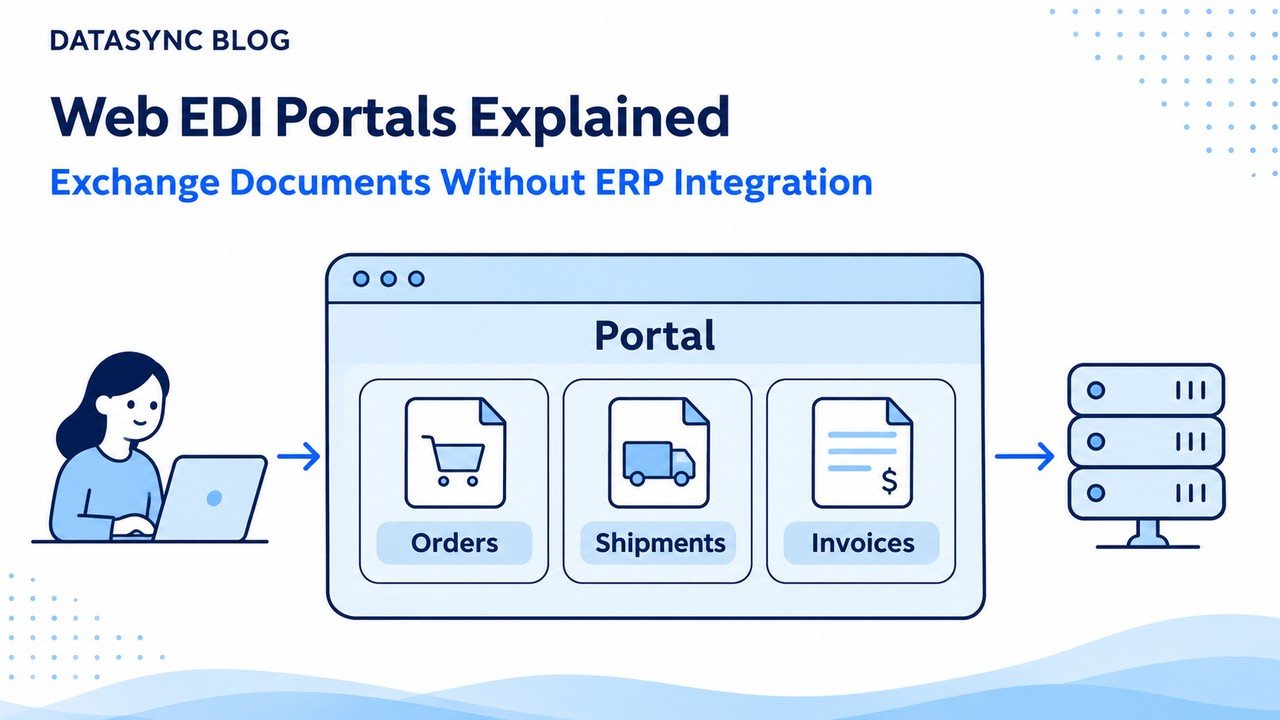
Web EDI Portals Explained: How Businesses Exchange EDI Documents Without an ERP Integration
- DataSync
- 24 Nov, 2026
- 03 Mins read
- Edi
Web EDI portals let business users work with trading documents through a browser while the service handles the EDI exchange behind the scenes. A supplier can receive orders and prepare supported responses without building a direct connection to its ERP.
The workflow still needs clear ownership of entry, review, submission, and reconciliation with internal records.
What Counts as Web EDI
A typical portal presents incoming documents in a business-readable view and provides forms for supported outgoing documents. Features vary by provider and partner program. SPS Commerce’s document guide illustrates browser-based document entry and related workflows.
Before using a portal, confirm:
- Supported partners and transaction types
- User roles and document-access permissions
- Required fields and partner-specific validation
- How existing orders populate related documents
- Available acknowledgment and status information
- Export, retention, and internal reconciliation options
A portal can remove the need for a direct ERP connection while leaving some manual work between the portal and the business’s internal systems.
Three Stages of a Portal Exchange
Receive and Review
Users open an incoming document and check references, products, quantities, and deadlines. Assign responsibility for new-document review so an unread order does not remain unnoticed simply because the portal successfully received it.
Prepare and Validate
A supported order-to-response workflow can reuse information already received. Users still need to enter or confirm shipment, invoice, or other changing details. Validate those values against the actual business activity rather than accepting every prefilled field.
Submit and Track
Distinguish a saved draft from a submitted document and a submitted document from an accepted one. The portal should make validation errors and available acknowledgment information easy to find. Record who owns follow-up if the status remains uncertain.
Signals a Portal Workflow Needs Attention
Review the process when:
- Users share credentials to cover absences
- Orders are copied into spreadsheets without a reconciliation step
- Draft invoices are mistaken for transmitted invoices
- Shipment details differ from what the warehouse actually packed
- Rejected documents remain unresolved in the portal
- The same transaction is entered separately by two employees
For example, copying an order into a shipment notice can save entry time, but a partial shipment still needs its actual shipped quantities.
How to Run a Portal Process Consistently
Define a repeatable operating path:
- Assign named users and appropriate access roles
- Review incoming documents against the business’s records
- Prepare the required response using confirmed operational details
- Resolve validation issues before submission
- Check available delivery and acknowledgment outcomes
- Reconcile the final document with warehouse or accounting records
Include absence cover and escalation instructions. A portal process should remain usable when its most experienced operator is unavailable.
What Reliable Web EDI Should Mean
An effective workflow should provide:
- Clear document states and action owners
- Validation tied to the relevant partner requirements
- Traceable links between orders and responses
- Access control and a useful activity history
- Exports or records that support reconciliation
- A defined process for corrections and repeated submissions
Evaluate manual effort as document volume and complexity change. Record time spent entering data, handling exceptions, and reconciling systems before deciding whether deeper automation is worthwhile.
A Simple Portal Readiness Test
Ask four questions about one recent order:
- Can the responsible user find and review it promptly?
- Can the outgoing response reflect the actual shipment or invoice?
- Can the team distinguish drafts, submissions, and known outcomes?
- Can internal records be reconciled to the portal document?
The answers should describe the complete operating process, including work that takes place outside the browser.
Final Takeaway
Web EDI makes structured partner exchanges accessible through browser-based workflows. Its reliability depends on accurate entry, clear document status, and disciplined reconciliation.
Treat the portal as part of the business process, with explicit ownership from incoming order to final outcome.
Our Team Members