Identity and Access Management for Integration Platforms: Who Should Access What?
- DataSync
- 02 Nov, 2026
- 03 Mins read
- Edi
Identity and access management for an integration platform answers a direct operations question: who can send, receive, change, or approve the connections that move business data?
If that answer is vague, partner credentials get shared, maps are edited without ownership, and a single over-permissioned account becomes a business risk.
Why Integration Access Is Different
An ERP login controls one application. An integration platform sits between partners, cloud apps, and internal systems.
A person or service account with the wrong rights can:
- Change a production map
- Rotate or export a certificate
- Replay a failed document into the wrong environment
- Open a partner endpoint that should stay closed
- Read payloads that finance or compliance expected to stay limited
Access control here is not only about people. It is about every identity that can act on a flow.
Who Should Access What
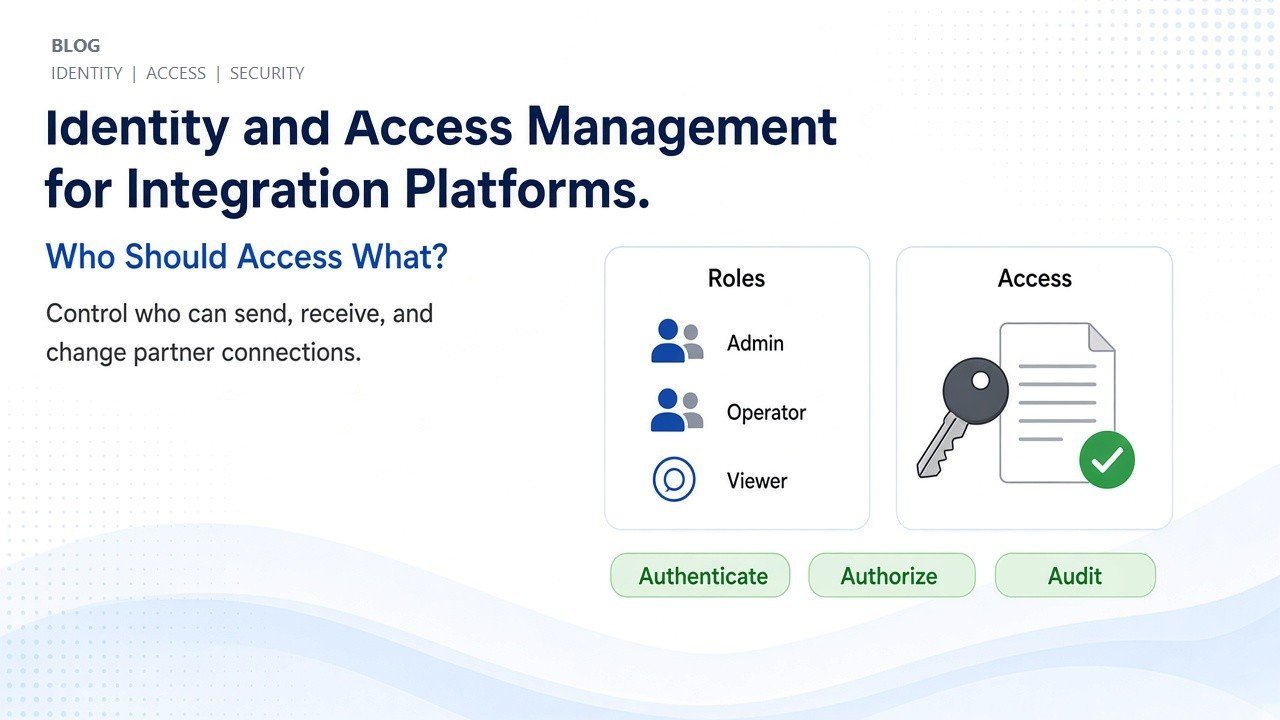
A useful model keeps a short list of roles.
Admin
Owns platform configuration, certificates, environments, and high-risk changes. This role should be rare and audited.
Operator
Monitors queues, retries exceptions, and releases held documents within approved rules. Operators should not redesign production maps by default.
Viewer
Reads status, dashboards, and history for support or business follow-up. Viewers should not trigger delivery or edit partner settings.
Partner or system identity
Authenticated for only the documents and endpoints that partner is approved to use. One shared mailbox password for several partners is a failure of access design.
Least Privilege in Practice
Least privilege means each identity gets the smallest set of actions needed for its job.
In integration terms:
- Separate credentials for each partner and each environment
- Limit who can edit maps versus who can only monitor them
- Require approval for certificate and endpoint changes
- Keep production and test identities separate
- Review unused accounts and old service users on a schedule
If everyone has admin rights “for convenience,” the platform cannot tell a normal retry from a risky change.
What to Authenticate and Authorize
Every action that changes state should check both identity and permission.
That includes:
- Human login to the console
- API tokens used by automation
- AS2 certificates and SFTP keys
- Webhook callers
- Replay, reprocess, and map publish actions
Authentication proves who is calling. Authorization decides whether that caller may do this action on this partner or document type.
Signs Access Is Too Loose
Teams usually discover the gap during an incident:
- Nobody knows who changed a map last week
- A contractor still has production access after the project ended
- Several partners share one technical user
- Certificates can be downloaded by too many people
- Support staff can edit routing to “just get the file through”
Those are ownership problems as much as security problems.
A Practical Starting Checklist
- Inventory every human and system identity on the platform
- Assign one primary role to each identity
- Remove unused accounts
- Split partner credentials so no two partners share one login
- Require dual control for certificate and production-map changes
- Keep an audit trail of who accessed what and when
That is enough to move from open access to controlled access without waiting for a full IAM program.
Final Takeaway
Identity and access management for integration platforms is about who should access what across partners, maps, certificates, and exceptions. Clear roles, least privilege, and audited changes keep B2B data moving without giving every user the power to change production.
The platform should know the identity behind every send, receive, and configuration change. If it cannot, the next outage or data exposure will be harder to explain.
Our Team Members