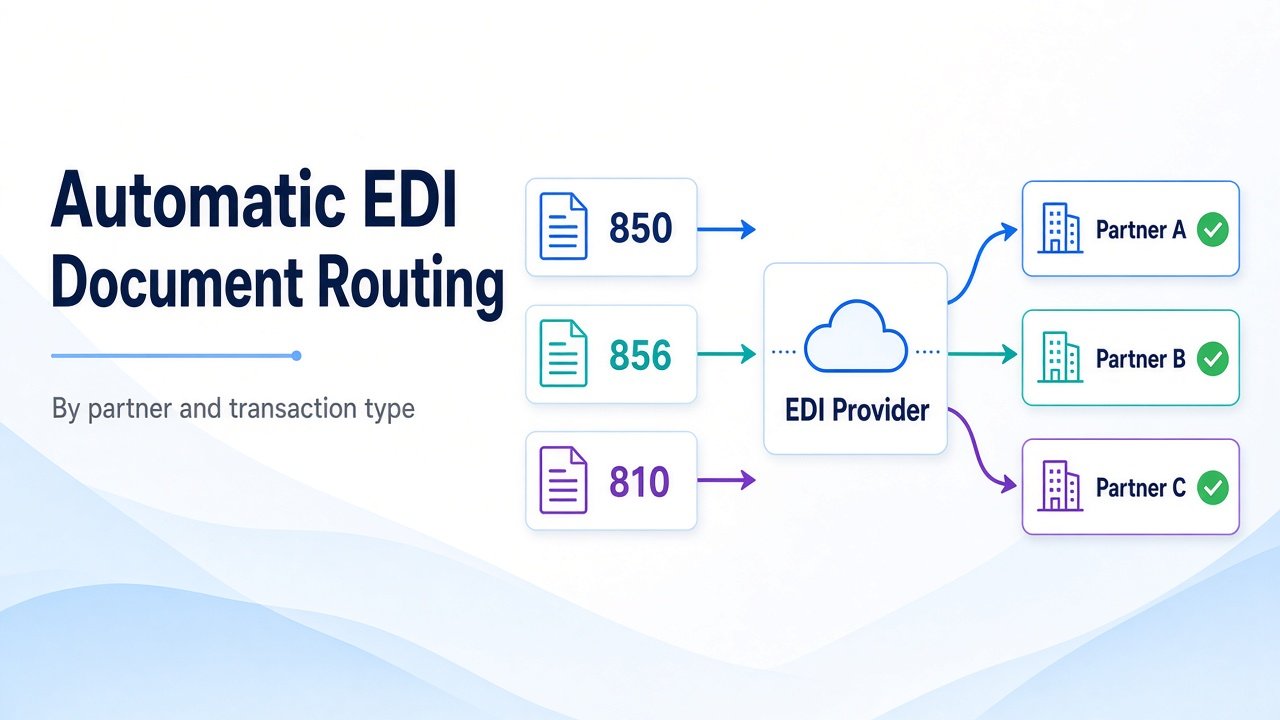
How EDI Providers Automatically Route Documents by Partner and Transaction Type
- DataSync
- 16 Sep, 2026
- 03 Mins read
- Edi
EDI providers do not manually decide where every purchase order or invoice should go. Once partner profiles and transaction rules are configured, routing becomes automatic: identify the partner, recognize the document type, apply the right map, and deliver through the correct channel.
That automation is what keeps high-volume B2B programs scalable.
Routing Starts With Partner Identity
Before a document can be processed, the provider must know which trading partner it belongs to.
Inbound routing usually matches:
- Sender and receiver IDs
- Qualifiers
- ISA and GS identifiers
- Partner agreement or mailbox profile
If the IDs do not match a configured partner, the document cannot be routed cleanly. That is why accurate partner setup is the foundation of automatic delivery.
Transaction Type Determines the Next Step
Partner identity alone is not enough. The provider also needs to know what kind of document arrived.
Common examples include:
- EDI 850 purchase orders
- EDI 855 purchase order acknowledgments
- EDI 856 advance ship notices
- EDI 810 invoices
- EDI 997 functional acknowledgments
Each transaction type can trigger a different map, validation rule, ERP workflow, and acknowledgment path. Routing by partner and transaction type together keeps the right business process attached to every file.
Maps and Validation Rules Are Partner-Specific
Once the partner and document type are known, the provider applies the configured transformation and validation logic.
That often includes:
- Partner-specific maps
- Required field checks
- Retailer or industry business rules
- Version handling for X12 or EDIFACT
Automatic routing works best when those rules live in the partner profile, not in tribal knowledge or one-off scripts.
Delivery Profiles Complete the Path
After mapping, the document still needs a destination.
Outbound and inbound delivery profiles usually define:
- Transport method such as AS2, SFTP, or API
- Endpoint or mailbox
- Certificates and credentials
- Retry behavior
- Acknowledgment expectations such as MDN or 997
This is how one provider can support many partners with different connectivity setups without changing the core routing engine.
Test and Production Traffic Stay Separated
Automatic routing also depends on environment separation.
Test and production partners usually have different IDs, certificates, endpoints, and processing rules. That prevents a test file from entering a live ERP flow, and it keeps certification cleaner during onboarding.
Exceptions Still Need Clear Handling
Even automated routing will hit exceptions.
Typical failures include unknown partner IDs, unsupported transaction sets, map mismatches, failed validation, or missing acknowledgments. Strong EDI platforms flag these quickly, preserve the original payload, and give operators a clear path to correct and reprocess.
Without that visibility, automatic routing becomes a black box.
Final Takeaway
EDI providers automatically route documents by combining partner identity, transaction type, maps, and delivery profiles into one configured workflow.
When those pieces are complete and current, documents move to the right system with less manual effort. When they are incomplete, every new partner or transaction set becomes another operational risk.
Our Team Members