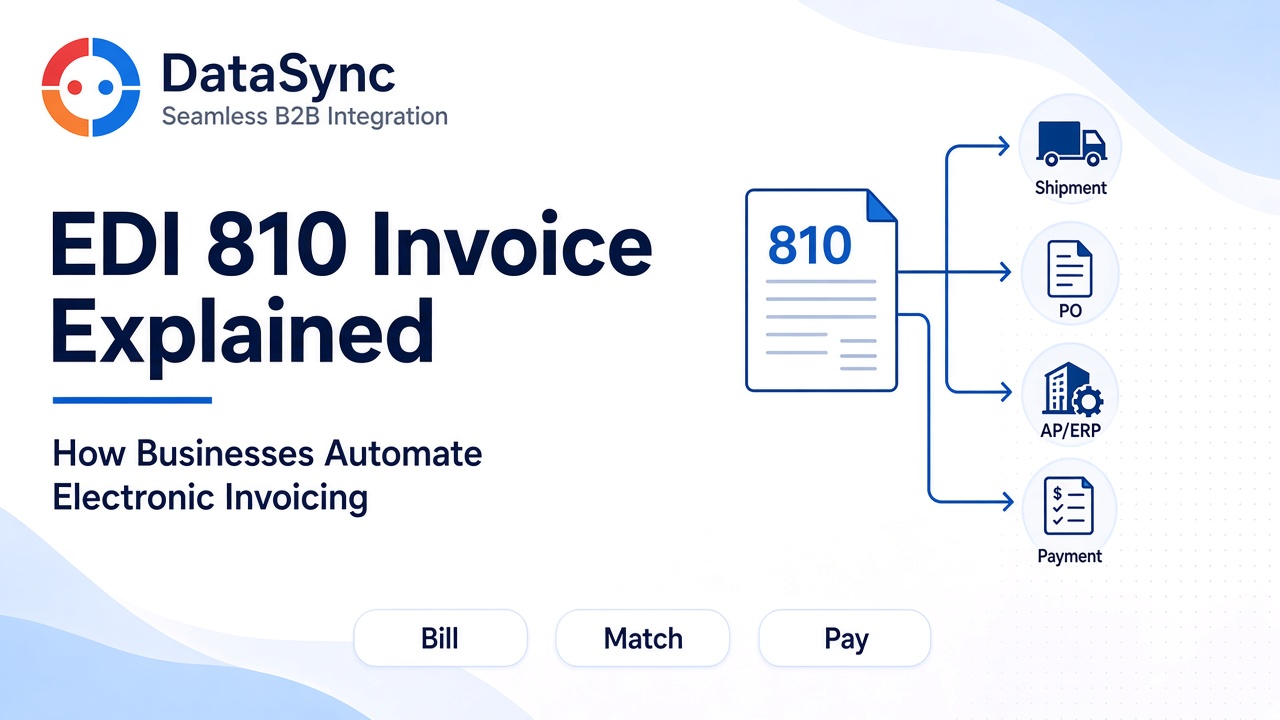
EDI 810 Invoice Explained: How Businesses Automate Electronic Invoicing
- DataSync
- 06 Oct, 2026
- 03 Mins read
- Edi
The EDI 810 Invoice is the electronic document a supplier sends to bill a buyer for goods or services. In automated B2B networks, it replaces PDF email attachments and manual keying with a structured invoice that accounts payable systems can validate, match, and post.
When the 810 aligns with the purchase order and shipment record, payment cycles get shorter. When it does not, AP teams spend their time on exceptions instead of cash flow.
What Is an EDI 810?
The EDI 810 is an ANSI X12 transaction set used to communicate invoice details in a standardized electronic format.
A typical 810 includes:
- Invoice number and invoice date
- Purchase order reference
- Supplier and buyer identifiers
- Line items, quantities, and prices
- Tax, freight, and allowance charges
- Payment terms and due dates
- Ship-to / bill-to references when required
- Totals that AP can reconcile automatically
Because each trading partner may require different charge codes and tax handling, invoice maps are often partner-specific even when the document type is the same.
Why Electronic Invoicing Matters
Manual invoicing is slow and error-prone. Electronic 810s help businesses:
- Reduce AP data entry and duplicate invoices
- Speed three-way match against PO and receipt/ASN data
- Improve cash forecasting with predictable invoice arrival
- Lower dispute volume from mismatched quantities and prices
- Create an audit trail from order through payment
For suppliers, clean 810s also mean fewer rejected invoices and faster payment.
How Businesses Automate the EDI 810 Flow
A common automated path looks like this:
- Order and confirmation complete via 850 and often 855.
- Shipment occurs and may be reported with an 856 ASN.
- ERP/billing creates the invoice from shipped or delivered quantities.
- EDI maps and validates the outbound 810 against partner rules.
- Transport delivers the invoice over AS2, SFTP, API, or VAN.
- Buyer AP ingests the 810, matches it to PO and receipt data, and posts or queues exceptions.
- Payment and remittance follow based on terms and match results.
Automation works only when invoice lines still correlate to the original order and what actually shipped.
Key Data Teams Should Watch on Every 810
AP, finance, and EDI teams usually focus on:
- PO and line correlation — invoice lines map to open PO lines
- Quantity alignment — billed qty matches shipped/received qty rules
- Price and contract accuracy — unit prices match catalog or PO terms
- Tax and charge codes — partner-approved allowances, freight, and tax
- Duplicate detection — same invoice number or control not processed twice
- Totals integrity — line sums, taxes, and trailer totals reconcile
Most invoice rejections are business-rule failures, not transport failures.
How the 810 Connects to 850, 855, and 856
- 850 defines what was ordered and at what commercial terms
- 855 confirms what the supplier accepted to fulfill
- 856 reports what physically shipped
- 810 requests payment for the billed outcome
A healthy order-to-cash chain keeps one shared reference trail across all four documents.
Common EDI 810 Problems
Teams frequently see:
- Invoices sent before shipment confirmation is complete
- Price or UOM mismatches versus the original PO
- Missing or invalid tax/freight segments required by the buyer
- Duplicate invoices from retries without idempotency checks
- Line items that do not match ASN or receipt quantities
- Late corrections that create credit-memo chaos
Validate before send, match on receipt, and age unmatched invoices with clear ownership.
Final Takeaway
The EDI 810 Invoice is how businesses automate electronic invoicing across trading partners. When it is mapped correctly, matched to order and shipment data, and monitored for exceptions, AP becomes a controlled workflow instead of a mailbox full of PDFs.
If invoices still arrive as attachments while orders move by EDI, the hardest part of order-to-cash is still manual—and that is where delays and disputes hide.
Our Team Members