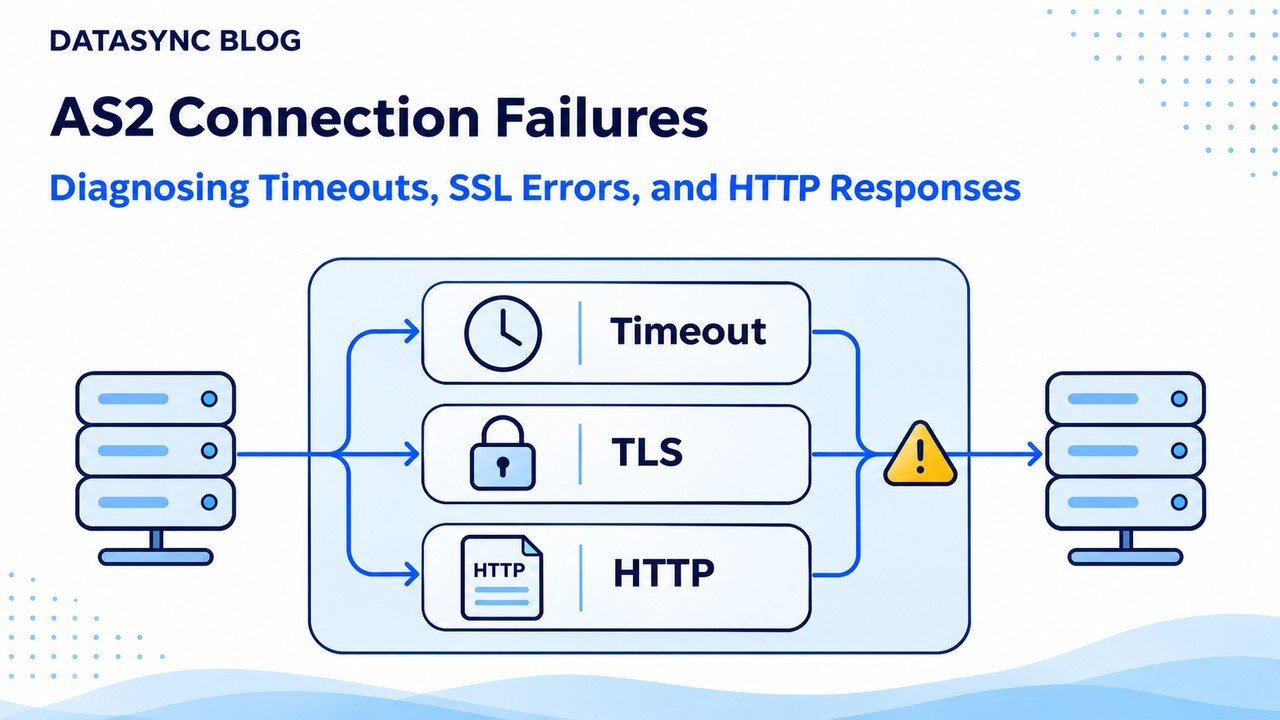
AS2 Connection Failures Explained: Diagnosing Timeouts, SSL Errors, and HTTP Responses
- DataSync
- 12 Nov, 2026
- 03 Mins read
- Edi
AS2 connection failures can interrupt an exchange before the receiving application sees the document, or leave the sender uncertain about what arrived. A timeout, TLS handshake error, and HTTP rejection point to different stages of the connection.
Start by locating the last confirmed successful stage. That tells the team which evidence to collect and whether a retry could duplicate work.
What Counts as an AS2 Connection Failure
AS2 sends packaged business messages over HTTP or HTTPS. A failed attempt may involve name resolution, network access, TLS negotiation, an HTTP gateway, or the AS2 application.
Capture these details first:
- Destination hostname, port, and URL path
- AS2-From, AS2-To, and Message-ID
- Connection, upload, and response timing
- TLS handshake or certificate error details
- HTTP status, response headers, and body
- Expected synchronous or asynchronous MDN behavior
An exchange can reach an HTTP endpoint without completing AS2 processing. Keep those outcomes separate in the incident record.
Timeouts, SSL Errors, and HTTP Responses
Connection and Response Timeouts
A connection timeout suggests that a connection was not established within the configured limit. A read timeout can occur after a request was uploaded. For the latter, ask the receiver to check the Message-ID before assuming nothing arrived. Large payloads, slow processing, and intermediary timeouts deserve separate checks.
SSL and TLS Handshake Errors
Errors often described as SSL failures can involve TLS hostname validation, expired certificates, missing trust-chain certificates, or incompatible negotiation settings. Distinguish the HTTPS server certificate from certificates used for AS2 message signing and encryption. Check the failing role before changing a partner profile. AWS’s AS2 troubleshooting guide covers common certificate and receipt problems.
HTTP Error Responses
A 401 points to authentication requirements; 403 indicates refusal; 404 suggests checking the route; and 413 identifies content that exceeds the server’s accepted size. A 502, 503, or 504 points toward gateway or service availability problems. These meanings are defined in HTTP Semantics, RFC 9110. Inspect who generated the response, because a proxy may answer before the AS2 service.
Signals the Failure Is Outside the EDI Map
Investigate the transport path first when:
- No HTTP response is returned
- The TLS handshake fails before upload begins
- Every document type fails at the same destination
- The response contains a gateway or sign-in page
- Small files succeed while larger files time out
- Failures begin after a firewall, proxy, or certificate change
A 2xx response alone does not establish a successful AS2 disposition or downstream EDI acceptance. Inspect the expected MDN and subsequent processing evidence.
How to Diagnose Without Blind Retries
Follow the connection in order:
- Confirm the configured URL and partner identifiers
- Check name resolution and network reachability from the actual sender
- Inspect TLS negotiation and the certificate presented by the endpoint
- Review the HTTP response and any intervening gateway logs
- Correlate the Message-ID with receiver logs and the expected MDN
- Correct the failed layer and perform one agreed test before resuming retries
For asynchronous receipts, check the return endpoint as well as the outbound route. The message path and receipt path can fail independently.
What Reliable AS2 Recovery Should Mean
A practical support process should provide:
- Separate connection, response, and receipt timeout settings
- Alerts for certificate expiry and recurring transport failures
- Message-ID searches across transfer and application logs
- Bounded retries with a documented duplicate policy
- Escalation contacts for network and partner application teams
- A retained outcome for every delivery attempt
If delivery is uncertain, reconcile first. A new transfer can create a second processing attempt even when the first sender request appeared to fail.
A Simple Connection Test
Ask four questions about the failed exchange:
- Did the sender establish a connection?
- Did HTTPS negotiation complete successfully?
- Which component returned the HTTP response?
- Can the receiver confirm what happened to this Message-ID?
The answers should identify the next diagnostic step without requiring a guess about the business document.
Final Takeaway
Diagnose AS2 failures by separating connectivity, TLS, HTTP, and receipt processing. Each stage produces different evidence and has different recovery actions.
A controlled retry follows a confirmed diagnosis and a check of the original delivery outcome.
Our Team Members