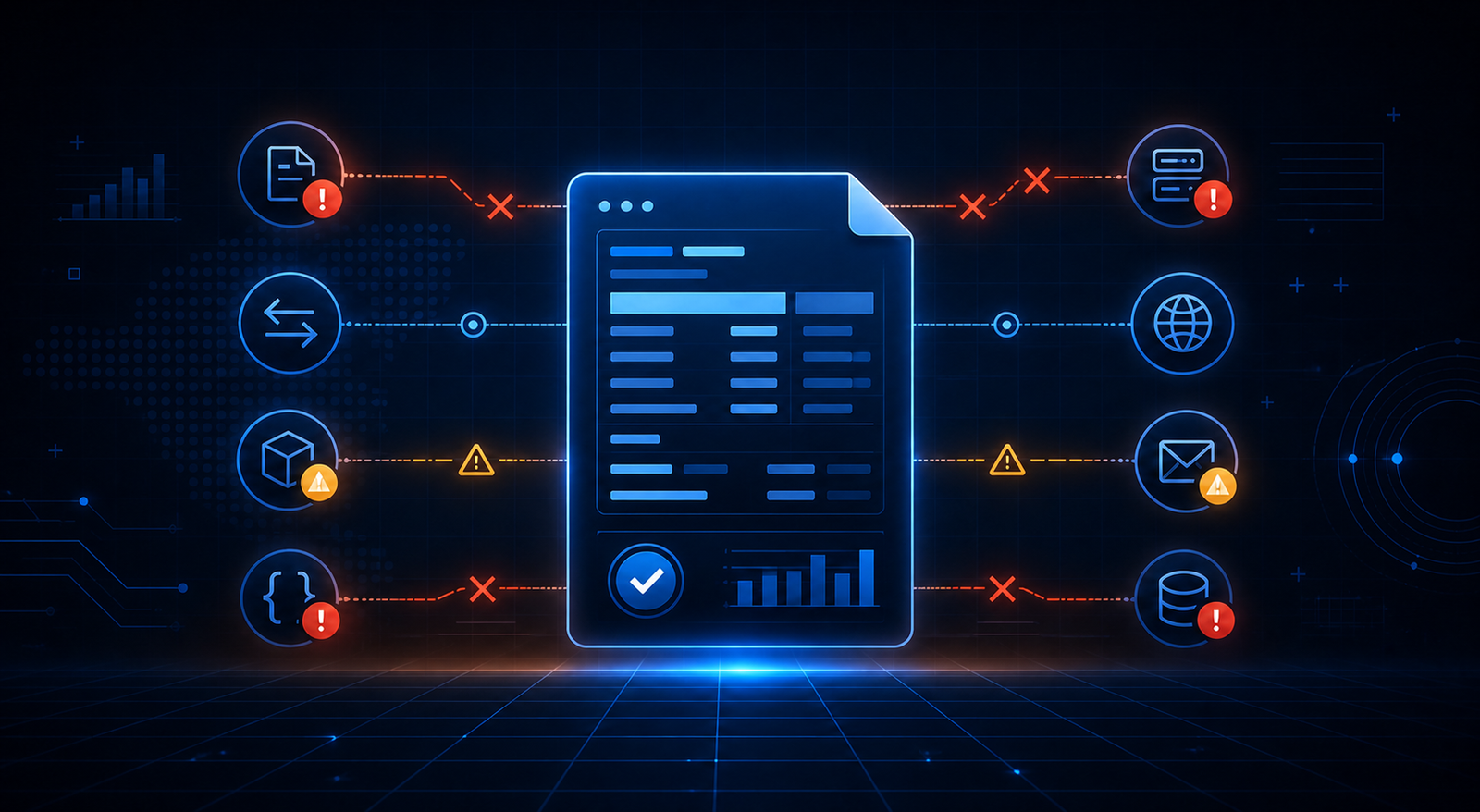
10 Common EDI Errors and How to Troubleshoot Them Faster
- DataSync
- 27 Aug, 2026
- 03 Mins read
- Edi
EDI systems improve automation and efficiency, but they can also fail in ways that affect orders, invoices, shipments, and partner communication.
Knowing the most common EDI errors helps teams resolve issues faster and reduce business disruption.
1. Invalid X12 Structure
This happens when a document does not follow the required ANSI X12 format.
How to troubleshoot:
- Validate the transaction structure
- Check required segments and element order
- Review partner-specific format rules
2. Unknown Trading Partner
An incoming file may not match a configured partner profile.
How to troubleshoot:
- Verify sender and receiver IDs
- Check AS2 identifiers or SFTP folder mapping
- Confirm that partner configuration is active
3. Missing MDN
In AS2 workflows, the sending system may not receive the expected MDN.
How to troubleshoot:
- Check AS2 endpoint availability
- Review certificate and signature settings
- Verify network connectivity and timeout settings
4. Rejected 997 Functional Acknowledgment
A rejected 997 usually means the X12 document failed structural validation.
How to troubleshoot:
- Inspect the original X12 document
- Review control numbers and segment formatting
- Match the error against partner guidelines
5. SFTP Connection Failure
File transfer can fail because of authentication, path, or server issues.
How to troubleshoot:
- Verify credentials or SSH keys
- Confirm server path and access permissions
- Check whether the remote server is available
6. Duplicate Message Processing
The same transaction may be received more than once because of retries or partner resends.
How to troubleshoot:
- Check message IDs and control numbers
- Add duplicate detection rules
- Confirm retry logic behavior
7. Mapping Failure
Even if the EDI file is valid, transformation to the target format may fail.
How to troubleshoot:
- Review field-level mappings
- Check required business fields
- Validate downstream schema expectations
8. Incorrect Control Numbers
ISA, GS, or ST control numbers may be missing, invalid, or out of sequence.
How to troubleshoot:
- Validate envelope values
- Check sequencing logic
- Confirm partner expectations for control numbers
9. Missing Required Segments
Some transactions fail because mandatory segments are absent.
How to troubleshoot:
- Review transaction requirements
- Compare against partner implementation guides
- Revalidate the transformed output
10. Silent Processing Failure
Sometimes a message is received but fails internally without a clear business response.
How to troubleshoot:
- Check logs and error queues
- Review routing and workflow status
- Monitor whether acknowledgments were generated
Best Practices for EDI Troubleshooting
To reduce error resolution time, businesses should maintain:
- Centralized logs
- Trading partner visibility
- Message status tracking
- Error queues and retries
- Alerts for failed acknowledgments
A strong EDI support process depends on technical visibility and clear operational workflows.
Conclusion
EDI errors are common, but most can be resolved faster with strong validation, logging, partner configuration, and monitoring.
By understanding these 10 issues, teams can improve uptime, reduce delays, and build more reliable partner integrations.
Our Team Members